When you use a free online tool to merge a PDF, compress a scan, or turn a spreadsheet into a chart, it's worth pausing to ask a simple question: where does my file actually go? For a lot of "online" tools, the answer is that your file gets uploaded to a company's server, processed there, and sent back. Tekivex's tools work differently — they run entirely inside your own web browser. This guide explains what that means, why it's more private, and how you can check the claim for yourself.
What "runs in your browser" actually means
Most people assume anything on the web involves sending data somewhere. And for many tools, that's true: you pick a file, it's uploaded across the internet to a remote server, the server does the work, and you download the result. Your document sat, however briefly, on someone else's computer.
A client-side or in-browser tool flips that around. The program that does the work is small enough to run on the web page itself, using your device's own processing power. When you drop a PDF into an in-browser merger, the file is opened and combined by code running on your machine. It's the difference between mailing your documents to an office to be photocopied versus using the copier on your own desk.
Why in-browser is more private
- The file never crosses the network. If it isn't uploaded, it can't be intercepted in transit or end up in a log somewhere. It stays on your device from start to finish.
- Nothing is stored, scanned, or retained. There's no server-side copy to keep, no automated scan of your contents, and nothing left behind after you close the tab.
- It keeps working offline. Because the work happens locally, an in-browser tool can keep functioning even with no internet connection, once the page has loaded.
This matters most for exactly the documents you'd least like to hand over: ID cards, contracts, medical forms, financial spreadsheets, and receipts. With a client-side tool, using it doesn't mean trusting a stranger with those files — because they never receive them.
How to sanity-check a tool's privacy claim
You don't have to take anyone's word for it. Here's a simple test:
- Open the tool in your browser and let the page fully load.
- Disconnect from the internet — turn off Wi-Fi or unplug the network.
- Now use the tool. Merge, split, compress, or chart your file.
If it still works with no connection, the file clearly isn't being uploaded anywhere — there's nowhere for it to go. That offline test is one of the clearest signs that a tool is genuinely doing its work on your device. (Technically inclined users can go further and watch their browser's network activity while using the tool, but the offline check is enough for most people.)
Tekivex's tools all work this way
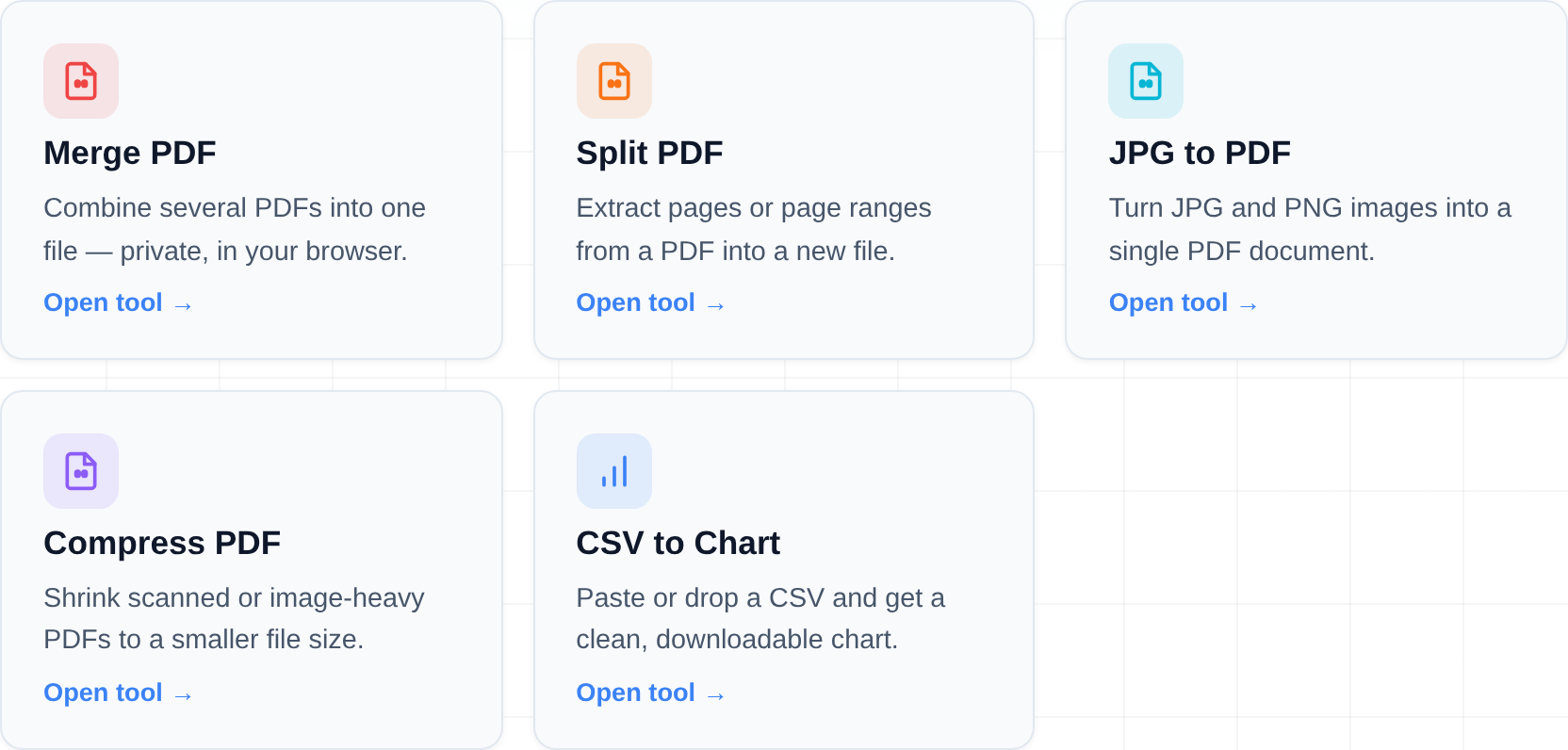
Every free tool in the Tekivex tools hub is built to run client-side. Your files are processed in your browser and are never uploaded. That includes Merge PDF, Split PDF, JPG to PDF, Compress PDF, and CSV to Chart. Even the CSV chart tool's "share a link" feature keeps your data in the part of the URL after the #, which browsers never send to a server.
What a traditional upload tool does with your file
To appreciate the difference, walk through what happens with a conventional "free online PDF tool". You pick a file; it travels over the internet to the company's server; the server processes it and holds the result until you download it. At minimum, your document has now existed on hardware you don't control, subject to that company's retention policy, logging, staff access rules, and breach history — none of which you can verify. Many such services promise deletion "within a few hours", which still means your contract, medical record, or ID scan sat on a third-party machine for a few hours. For throwaway documents that may be fine. For anything sensitive, it's a real cost that the convenience hides.
There's a second-order issue, too: uploads create copies. Server-side processing typically produces the original, the converted result, temporary working files, and backups of all three. "Delete" rarely means all of them, immediately, everywhere.
The trade-offs, stated honestly
In-browser processing isn't magically better at everything. Your device does the work, so a low-memory phone can struggle with a 500-page scan that a beefy server would shrug at. Features that genuinely require heavy infrastructure — OCR on huge batches, format conversions needing licensed engines — are harder to deliver client-side. The honest summary: for the common tasks these tools cover, local processing gives you equal results with a categorically better privacy model; for industrial-scale jobs, a server-based tool may be the right call, chosen with eyes open.
Frequently asked questions
Is a browser-based tool really more private than a normal online tool?
For the specific question of "does my file get uploaded," yes — a client-side tool processes your file on your own device, so it doesn't travel across the network at all. A typical upload-based tool sends your file to a server to do the work.
Do I need to trust that the file isn't uploaded?
You can verify it rather than trust it. Load the tool, disconnect from the internet, and try using it. If it still works, your file isn't going anywhere online.
Does an in-browser tool work offline?
Once the page has loaded, yes — the work happens on your device, so many in-browser tools keep functioning without a connection. That's also a handy way to confirm nothing is being uploaded.
Where can I find these tools?
They're all listed in the tools hub. Pick the one you need — each processes your files entirely in your browser.
Your files never leave your browser — everything happens on your own device.